

Want to make your e-learning videos accessible worldwide? Translating videos goes beyond just switching languages – it’s about ensuring learners from different regions can understand and engage effectively. Here’s how:
- Plan Early: Understand your audience’s languages, cultural norms, and technical limitations. Organize video assets for easier translation.
- Write Translatable Scripts: Use simple language, avoid idioms, and allow for text expansion (e.g., Spanish can expand by 20-30%).
- Use AI Tools: Leverage platforms like Verbalate™ for voice cloning, lip-syncing, and accurate translations.
- Add Translations to Videos: Replace text, captions, and sync audio with visuals seamlessly.
- Test Thoroughly: Involve native speakers for reviews and conduct usability testing to ensure accuracy and usability.
- Use Advanced Tools: Platforms like Verbalate™ simplify workflows with features like API integration and human-verified translations.
- Focus on Quality: Combine automation with human oversight for precise and culturally appropriate translations.
Quick Tip:
Planning ahead and using the right tools can save time and ensure your content stays effective. AI tools like Verbalate™ are game-changers for streamlining the process while maintaining quality. Ready to make your e-learning content global? Let’s dive in.
Top 6 eLearning Translations Methods
1. Plan Translation Early
Getting your e-learning translation right starts with planning. Early preparation helps you avoid expensive fixes later and keeps the educational content effective.
Know Your Audience
To make your e-learning videos resonate worldwide, you need to understand your audience. This means identifying their primary languages, cultural nuances, and any technical limitations they might face. Studies show that thorough audience research leads to content that connects across different cultures [2][1].
Organize Video Assets
Keep your video materials well-organized to reduce mistakes and simplify the translation process. Maintain glossaries and style guides for consistency, and separate graphics or animations from text elements for easier handling.
“Planning ahead for eLearning translation also helps you plan the audio for your videos. Your audio should be specific to the subject you’re talking about, without using cultural idioms, humor, or niche references, as these don’t translate well and will need to be localized for each audience.” – JR Language [3]
Consider Cultural Sensitivity
Adapting your materials to fit cultural norms boosts engagement and learning outcomes [2]. Pay attention to visuals, examples, and even color choices to ensure they align with local preferences. Collaborating with local experts during the early stages can help make your content more relevant and impactful.
2. Write Translatable Scripts
Craft scripts that retain their educational purpose while being easy to translate into various languages and adapt to different cultural contexts. This approach ensures your scripts fit smoothly into audiovisual translation processes.
Use Simple Language
Using overly complex language or idiomatic expressions can drive up costs and cause delays [2].
To make your scripts easier to translate:
- Write in active voice, present tense, and keep sentences short to simplify complex ideas.
- Steer clear of culture-specific metaphors and colloquialisms.
“Effective eLearning localization requires researching cultural norms and instructional design preferences.” – Interpro [5]
Allow for Text Expansion
Some languages, like Spanish and German, tend to expand text by 20-30%, which can affect visuals and timing [2].
| Language Direction | Average Text Expansion | Recommended Buffer Space |
|---|---|---|
| English to Spanish | 20% | 25% |
| English to German | 30% | 35% |
| English to French | 15% | 20% |
To handle text expansion effectively:
- Use adaptable layouts and modular content blocks that can be easily adjusted.
- Keep text separate from graphics in your source files.
- Allow extra time for voice-overs and text synchronization.
Professional translators play a key role in ensuring both accuracy and cultural appropriateness [1][4]. Companies like Coursera and Udmy have seen better course completion rates after applying these practices to their translated content.
Once your scripts are ready for translation, the next step is to explore tools that can boost both efficiency and precision.
3. Use AI Tools for Efficiency
AI-powered translation tools have transformed how e-learning providers translate video content. These tools make the process faster and more precise, ensuring instructional content remains accurate while reaching global audiences.
AI Tools for Video Translation
Several AI translation platforms are designed specifically for e-learning videos:
| Tool | Key Features | Best For |
|---|---|---|
| Verbalate™ | Voice cloning, lip-sync, 30+ languages | Full video translation |
| DeepL | Context-aware translation, API integration | High-accuracy text translation |
Verbalate™’s Creator plan ($49/month) offers 60 minutes of translation, including voice cloning and lip-sync. This feature ensures translated audio matches on-screen visuals, keeping learners engaged. For organizations with higher demands, Enterprise plans include human verification and dedicated support for large-scale projects.
Choosing the Right Tool
When deciding on an AI translation tool for your e-learning videos, focus on these key factors:
- Language Support: Check if the tool supports your target languages and offers high-quality voice cloning.
- Technical Integration: Confirm API compatibility with your learning management system and video formats.
- Cost Structure: Review pricing, including per-minute rates and discounts for larger volumes.
The best results come from combining automation with human oversight. While AI tools speed up translations, ensuring accuracy and maintaining educational quality often require a human touch. This balance allows for quick rollouts and reliable learning experiences in multiple languages.
Once you’ve chosen the right tool, it’s time to integrate these translations into your e-learning videos seamlessly.
sbb-itb-f7cecca
4. Add Translations to Videos
Adding translations to e-learning videos requires careful attention to detail to ensure the material is effective and accessible in different languages.
Replace Text and Captions
Replacing text and captions accurately is key to making content understandable for learners in various languages. Begin by identifying all text elements – like graphics, titles, captions, and overlays – for proper replacement.
Remember to account for text expansion, especially for languages such as German or Russian, which may require more space.
Here’s a simple breakdown of how to handle text replacement:
| Element Type | Replacement Method | Key Consideration |
|---|---|---|
| On-screen Text | Edit source files | Ensure font compatibility |
| Captions | Update SRT/VTT files | Keep timing in sync |
| Interactive Elements | Adapt in LMS | Allow for extra space |
Sync Audio with Visuals
Aligning translated audio with video visuals is crucial. Professional audio editing tools can help match narration to the video’s timing [6]. Use scripts with precise timestamps to maintain proper pacing throughout.
AI tools like Verbalate™ can simplify the process by automating lip-syncing, making speech in translated videos appear natural.
Carefully review critical moments to confirm everything is in sync. After integrating translations, test thoroughly to ensure both linguistic accuracy and technical quality.
5. Test Translated Videos
Testing translated e-learning videos is an essential step to ensure both the language and technical aspects are up to par. This process helps catch issues early, saving time and effort while keeping the educational content effective for learners.
Use Native Speakers for Review
Native speakers play a key role in reviewing translations. They can spot subtle nuances that automated tools might overlook, ensuring the material is accurate and still meets its educational goals. Their cultural understanding also makes sure the content connects with the target audience in a meaningful way.
Here’s a breakdown of how native speakers can review effectively:
| Review Area | Key Focus Points | Expected Outcome |
|---|---|---|
| Linguistic Accuracy | Grammar, terminology, idioms | Smooth, natural translations |
| Cultural Context | References, examples, visuals | Content fits the target culture |
| Technical Elements | Audio clarity, subtitle timing | Proper synchronization and usability |
Set up clear feedback systems and document everything. For example, platforms like Coursera and edX rely on multiple native speakers for reviews and use standardized forms to track and resolve issues efficiently.
Perform Usability Testing
Usability testing ensures learners can easily interact with and understand the translated content in practical settings. This phase checks how well the material functions across different scenarios.
Focus on these areas during usability testing:
- Navigation and Controls: Ensure learners can smoothly navigate the video content.
- Content Comprehension: Confirm that the educational goals are clearly communicated.
- Technical Performance: Test audio and video synchronization on various devices.
To get the most out of usability testing, follow these steps:
- Pre-testing Setup: Create a checklist covering language accuracy, cultural fit, and technical details.
- Testing Implementation: Involve target users and observe how they interact with the content.
- Feedback Integration: Review feedback, focusing on completion rates, engagement, and user comments.
Make sure to test on different devices and platforms to catch any inconsistencies. Regularly reviewing user engagement metrics can highlight areas to refine and improve.
Once testing is complete, you’ll be ready to take advantage of advanced tools to streamline your e-learning translation workflow.
6. Use Advanced Tools for E-Learning Translation
Creating high-quality e-learning content in multiple languages requires tools that can handle multimedia elements while keeping the educational value intact. Today’s advanced translation platforms simplify the process from start to finish, ensuring both accuracy and efficiency.
Verbalate™
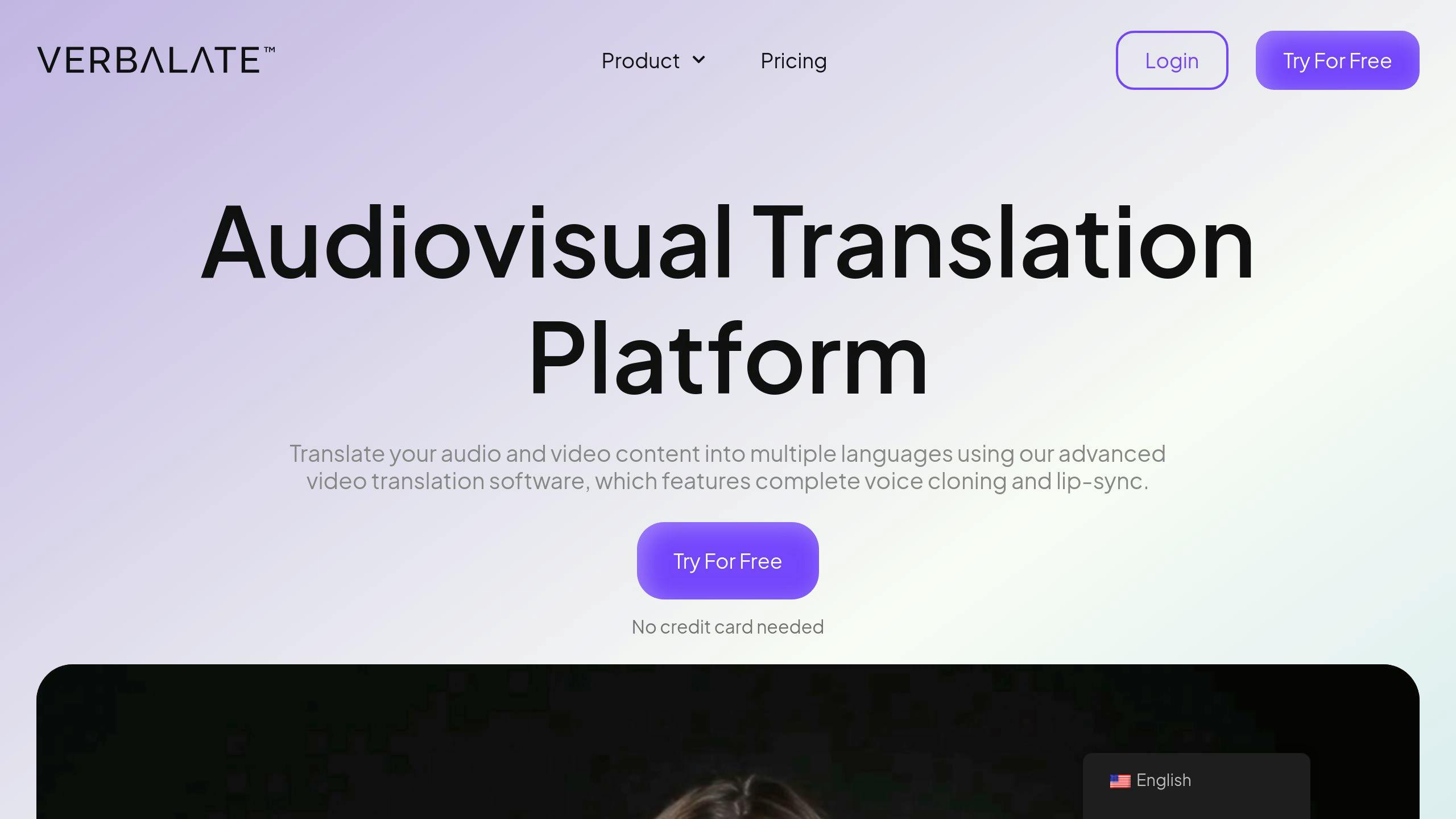
Verbalate™ is a standout platform in the e-learning translation world. It supports over 30 languages and uses a mix of AI technology and human verification to deliver precise and culturally relevant translations.
Here’s why Verbalate™ is ideal for e-learning:
| Feature | How It Helps E-Learning |
|---|---|
| Voice Cloning | Keeps the instructor’s voice intact across languages, maintaining natural tone and style |
| Lip-Sync Technology | Matches lip movements with translated audio, improving visual engagement |
| Human-Verified Translations | Ensures technical and educational terms are accurate |
| API Integration | Easily connects with existing learning management systems for smoother workflows |
The Creator plan, priced at $49/month, provides 60 minutes of translation and includes advanced tools like AI virtual presenters capable of delivering content in multiple languages. For larger needs, enterprise options offer tailored solutions, including dedicated account management and human-assisted translations.
Why AI Platforms Are Game-Changers
AI-powered tools bring speed and consistency to e-learning translation, offering several key benefits:
Save Time and Resources
- Automates voice cloning and handles multilingual content in bulk.
- Real-time previews allow for quick quality checks.
Improve the Learning Experience
- Maintains consistent voice and presentation across all language versions.
- Lip-syncing reduces distractions, keeping learners focused.
- Background audio is preserved for a polished, professional feel.
Ensure Quality Control
- Options to keep or remove background sounds as needed.
- Back translation compares the translated text to the original, ensuring accuracy.
- Supports SRT files for precise subtitle timing.